

Table of contents
Set Up Your TeamScore Account
Your TeamScore workspace begins here. This setup flow defines your company identity, core defaults, and the services TeamScore connects to. These settings ensure accurate scheduling, correct holiday logic, and smooth integrations across your organization.
Before You Begin
Make sure you are:
- Signed up with your organization’s Google Workspace or Microsoft 365 administrator account
- Able to manage company-wide settings and integrations
Account Setup
Step 1 – Choose Your Account Name
TeamScore automatically names your workspace based on your primary domain (for example, acme.com).
You can rename it anytime to a company-specific or regional label for easier identification, such as Acme Europe or Acme HQ.
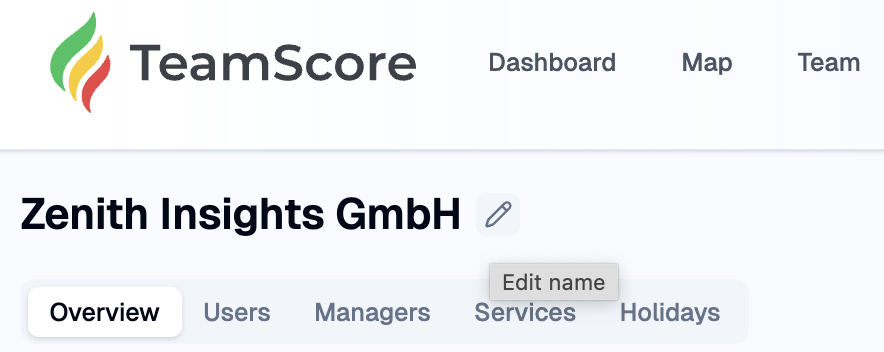
You can update this name later under User Icon → Account:
Step 2 – Set Your Default Country and Region
Choose the country and region where most of your employees are based.
TeamScore uses this information to map public holidays and working days automatically.
You can override these defaults later for individual users or teams.
Step 3 – Enable Connected Services
TeamScore connects to tools your organization already uses, including Google Workspace, Microsoft 365, Slack, Zoom, GitHub, and more. Enable any services your company plans to use with TeamScore.
If you leave additional services enabled, TeamScore simply stays ready in the background. It processes activity only when relevant data exists.
TeamScore reads only metadata such as timestamps, titles, and audit events. It does not access message content or file contents.
Step 4 – Accept the Terms
Review and accept TeamScore's Terms and Conditions to continue.
Next Step
Click Next to proceed to Add and Manage Users, where you will import your team and assign roles.