

Table of contents
Connecting Monday.com to TeamScore
Monday.com can be connected from the Services section in TeamScore. Once connected, Monday.com events begin flowing into TeamScore and appear as structured activity on the timeline.
TeamScore supports multiple Monday.com accounts. Each account is treated as a separate connection, and you can add more than one if your organization uses several Monday.com environments.
For a platform-level explanation of how Monday.com activity appears in TeamScore, see Monday.com Overview.
Step-by-Step Setup Instructions
Step 1 – Start the connection in TeamScore
- Go to Services in the top navigation
- Scroll to Monday.com in the list
- Click Connect Monday.com
If you want to connect more than one account, you can use the Add Additional option.
Only Executives and Admins can initiate Monday.com connections.
Step 2 – Authorize TeamScore in Monday.com
After selecting Connect, you will be redirected to Monday.com to approve the permissions required for the integration.
TeamScore requests access to read your profile information, read your users' profile details for mapping, read board data on a per-board basis, and create or manage webhooks.
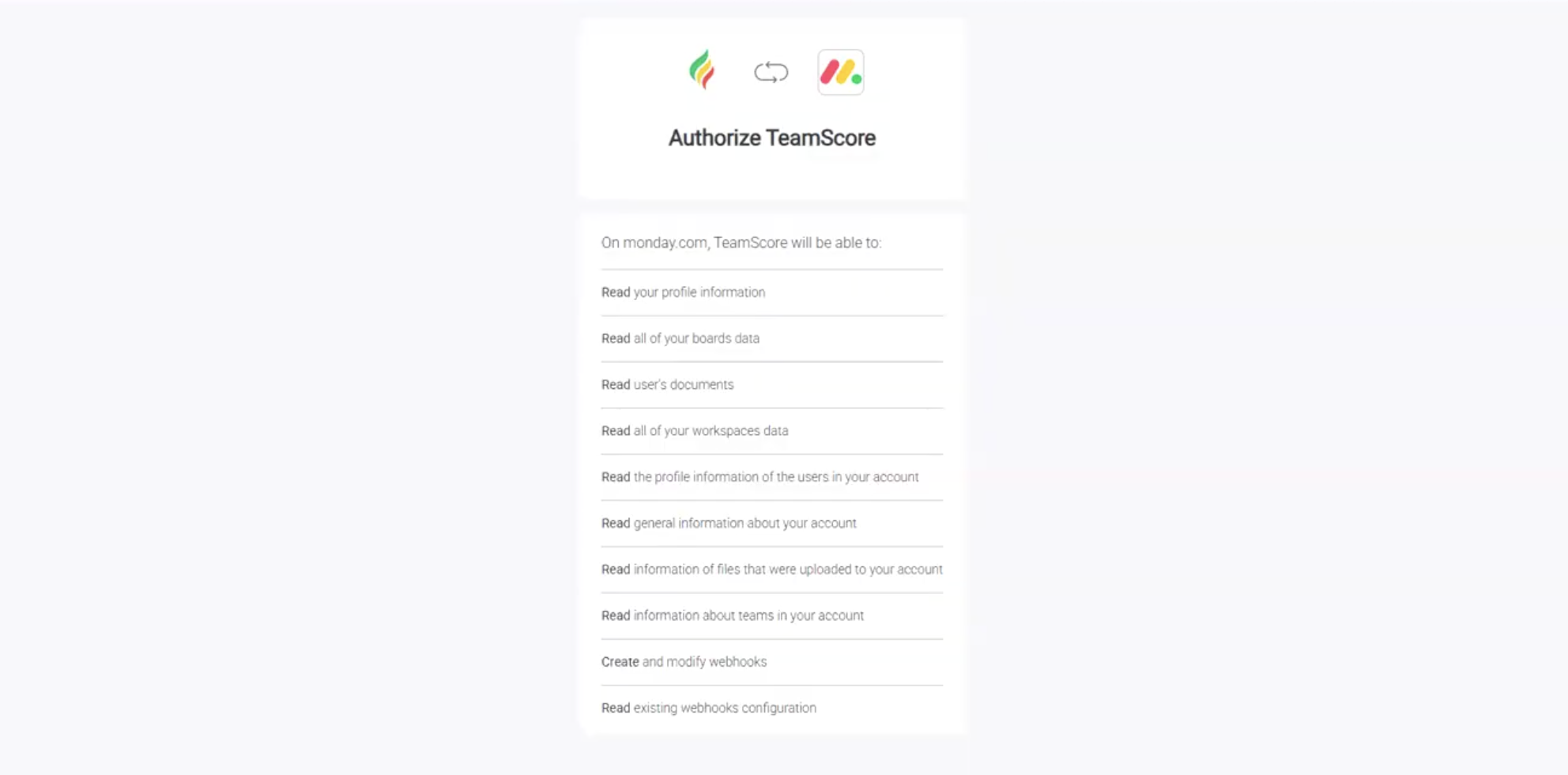
Approve the permissions to complete authorization.
Step 3 – Complete the Connection
Once authorization is finished, TeamScore sets up the required webhooks and configuration. When this is done, you will return to the Monday.com integration screen in TeamScore.
Step 4 – User Mapping
TeamScore imports Monday.com users and aligns them with your TeamScore users based on email address.
To review or complete mappings:
- Open the Users tab
- Check that each Monday.com user is matched correctly
- If needed, manually correct unmatched users by selecting their names from the dropdown
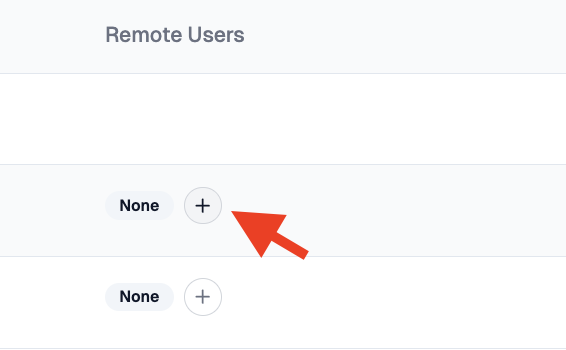
Correct alignment ensures that activity signals appear under the right TeamScore user.
What Happens Next
After the integration is connected, Monday.com will begin sending new events to TeamScore. Historical data is not imported. New activity such as item creation, updates, assignee changes, status changes, deadline updates, and comment metadata will appear on the timeline within the next 20 to 30 minutes, depending on Monday.com’s processing cycle.
You can review your connections and user mappings anytime from the integration page.